Artwork preparation and size reference
Record the four distinct size limits and calculate a proportional pixel canvas.
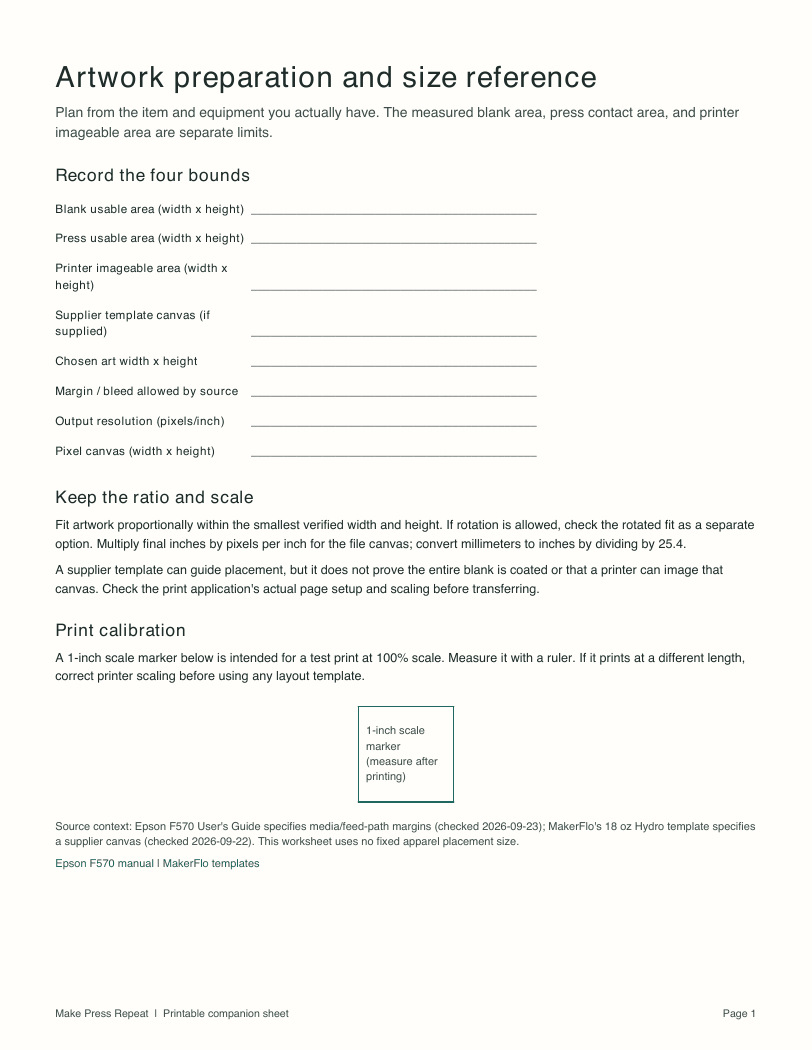
Entries on this page are not saved. Print it or use the PDF for a permanent copy.
Record the four bounds
Keep the ratio and scale
Fit artwork proportionally within the smallest verified width and height. If rotation is allowed, check the rotated fit separately. Multiply final inches by pixels per inch; divide millimeters by 25.4 to convert to inches.
A supplier template guides placement, but does not prove the entire blank is coated or that a printer can image that canvas. Check print scaling before transfer. The PDF includes a one-inch scale marker to measure after printing at 100%.
Sources
Instructions vary by exact product and method. Follow each supplier source for the current product-specific directions.
- Epson F570 User's Guidehttps://files.support.epson.com/docid/cpd5/cpd57984.pdf
- MakerFlo sublimation templateshttps://makerflo.com/pages/sublimation-templates
Use terms
You may download, print, and use these original worksheets for your own projects, including projects you sell. Do not resell, repackage, or redistribute the files themselves without written permission.
Page address: https://makepressrepeat.com/resources/artwork-preparation-and-size-reference