Design size helper
Fit artwork to a measured usable area, preserve its proportions, and calculate the pixel canvas for your print workflow.
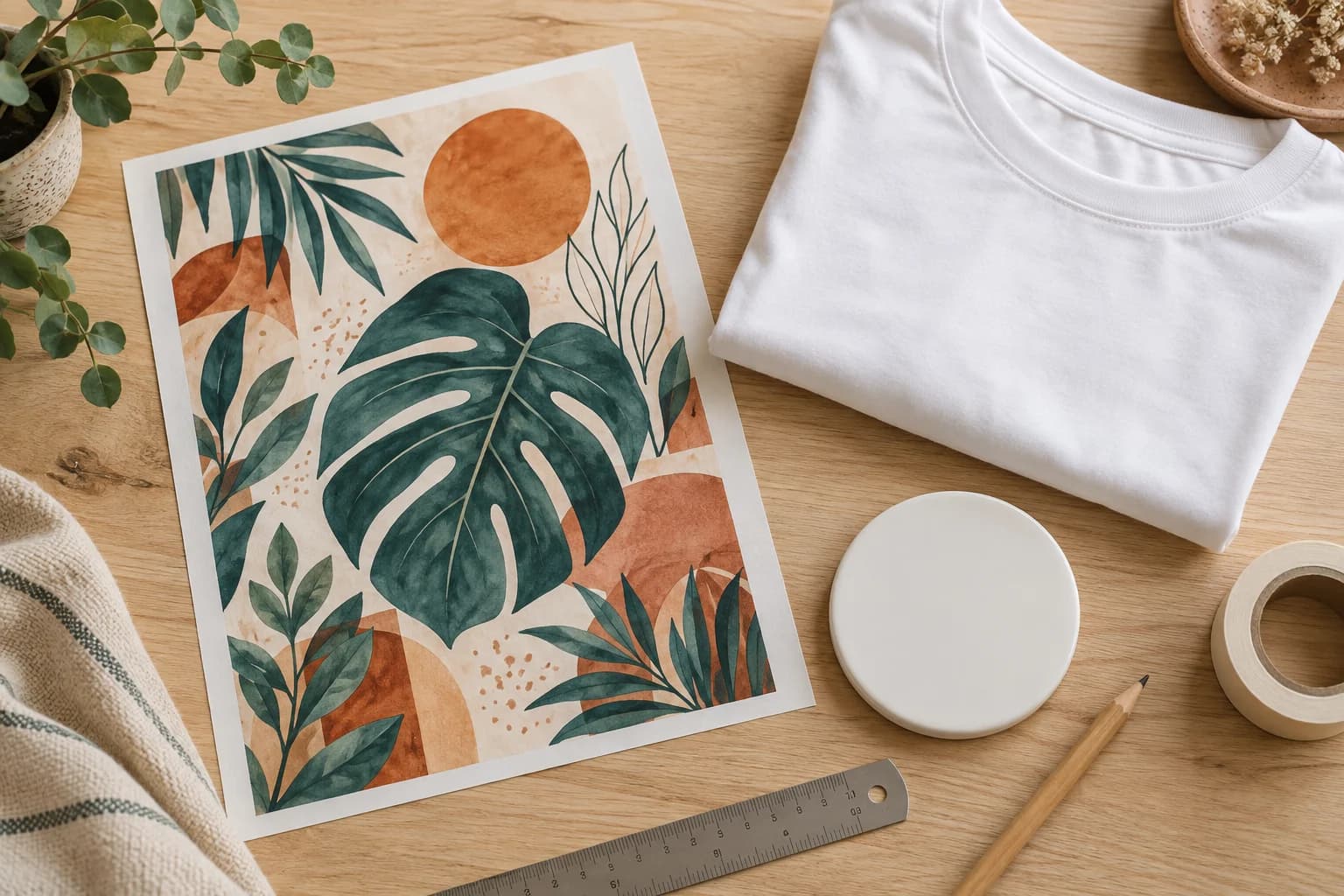
F570 Letter / Hydro paper-fit example only. The bottle coating area is unknown and blank fit remains unresolved. These values do not approve a press or a transfer.
Hypothetical 10 × 10 inch measured shirt panel and 12 × 10 inch workflow limit. Replace both with your own verified measurements.
Fitted artwork
The requested artwork fits the entered limits after a 90° rotation. Project usable dimensions are unknown, so confirm the fit on the item separately.
7.1 in × 9.55 in
2130 × 2865 pixels at 300 DPI
- Printer or workflow usable area
- 8.26 in × 10.76 in
- Project usable area
- Unknown; not included in the fit calculation
- Effective area
- 8.26 in × 10.76 in
- Maximum available rectangle after margins
- 8.26 in × 10.76 in
- Maximum artwork after bleed
- 8.26 in × 10.76 in · 2478 × 3228 px
- Requested artwork size
- 7.1 in × 9.55 in
- Fitted artwork at 300 DPI
- 7.1 in × 9.55 in · 2130 × 2865 px
- Artwork ratio
- Locked
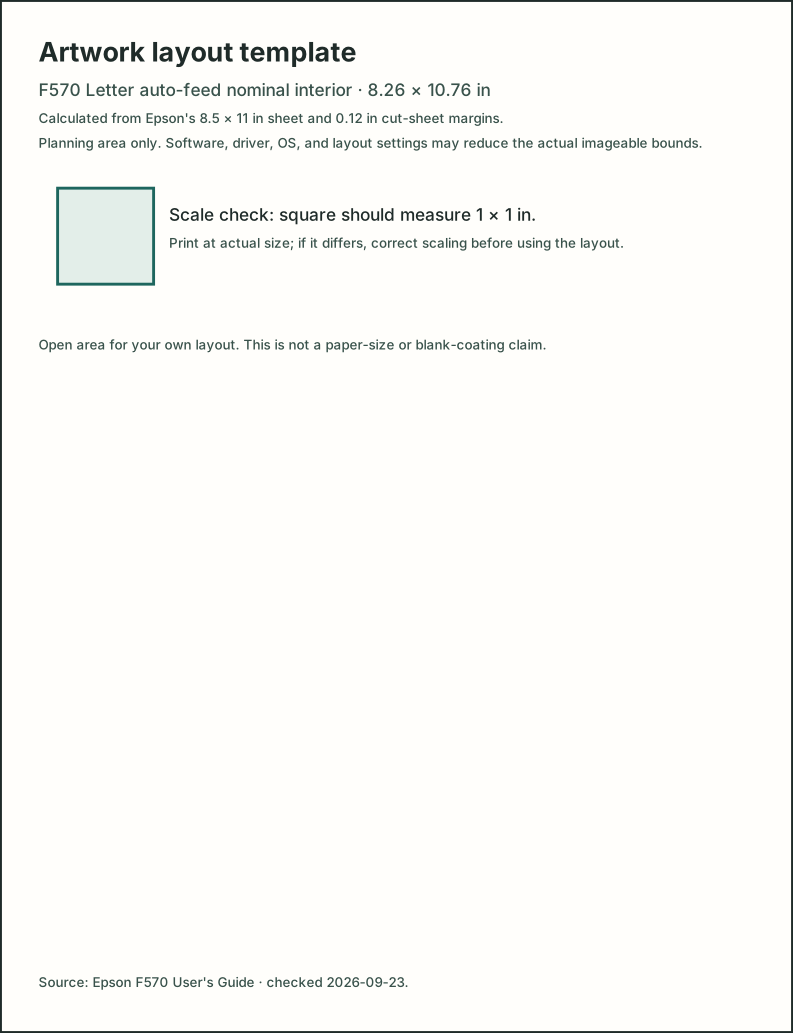
The template uses a manual-derived nominal area. Print at actual size and measure its 1 × 1 inch check square; print scaling can change physical accuracy.
How to use the measurements
Enter the printer or workflow's usable width and height, then the usable dimensions you measured on the project or blank. The helper limits each axis to the smaller value, reserves your chosen margins and any supplier-supported bleed, then fits the requested artwork.
- Effective area
- The smaller printer and project limit on each axis.
- Maximum available rectangle
- The effective area after subtracting margins on every edge.
- Fitted artwork
- The requested size scaled proportionally to fit the rectangle, with optional 90° rotation.
- Pixel dimensions
- The fitted physical size multiplied by the output resolution you enter.
Worked example with illustrative inputs
These are user-entered example values, not supplier or printer specifications: a 10 × 8 inch printer area, an 8 × 5 inch project area, a 9 × 6 inch artwork request, 0.25 inch margins, no bleed, locked proportions, and 300 DPI.
The effective area is 8 × 5 inches. After margins, the maximum rectangle is 7.5 × 4.5 inches. The 3:2 artwork fits at 6.75 × 4.5 inches, or 2025 × 1350 pixels, with no cropping.
If project dimensions are unknown, leave both project fields blank. The result then covers the printer or workflow limit only and cannot confirm that the artwork fits the item.
Next steps
Use the printable-area planning guide to separate printer bounds, supplier templates, and blank dimensions. Download the artwork preparation and size reference to record those limits and check printed scale.
Enter measurements from the exact blank, printer, or workflow you plan to use. The helper does not infer a garment design size, upload artwork, or guarantee that a driver can print to every edge.