Choose the F570 Pro package when you need Epson Edge Print Pro’s Windows-based nesting, repeat layouts and color controls. If you will print through a Mac driver and do not need a separate Windows RIP workstation, compare the standard F570’s exact package first. The two model codes matter more than a retailer’s shortened “F570” title.
What the software changes
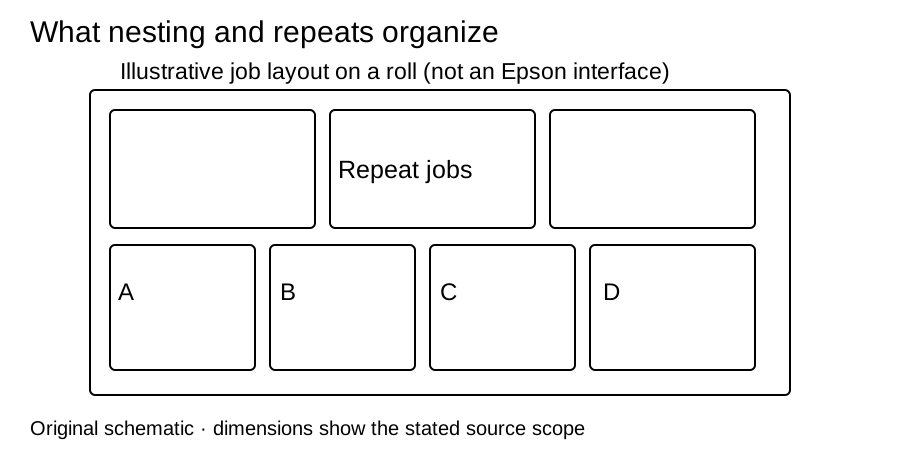
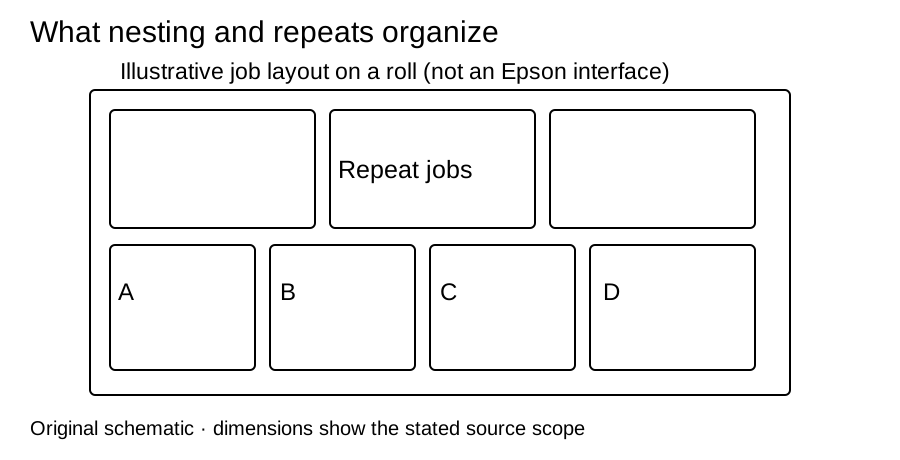
Imagine a batch of differently sized transfers plus repeated copies of a logo. Nesting lets you arrange the jobs together on roll media; repeat tools organize copies without making a separate artboard for each. These are useful production tasks if they occur in your work. Actual efficiency depends on the files, spacing, operator and finishing process.
Scroll horizontally to compare all columns.
| Criterion | F570 standard | F570 Pro |
|---|---|---|
| Exact Epson model | SCF570SE | SCF570PE |
| Included software description | Dye-sublimation-optimized Mac/Windows drivers. Do not assume an Edge Print Pro license from the F570 name. | Explicitly includes Epson Edge Print Pro with Adobe PDF Print Engine, layout, nesting, repeats and advanced color controls. |
| Platform planning | Select the current driver for your computer’s OS. | Edge Print Pro: Windows 10/11. Mac printer-driver support is separate from the Pro RIP. |
| Shared format | 24-inch rolls/sheets, 50-sheet feeder and built-in cutter. | 24-inch rolls/sheets, 50-sheet feeder and built-in cutter. |
The product pages alone do not prove that every Pro feature is impossible through other software on a standard F570. They do establish what Epson explicitly includes in the Pro package. Buy against that included software entitlement rather than assuming a universal hardware-performance upgrade.
Check the license and seller SKU
Epson documents installation, model information and online/offline license authentication in its Edge Print guide. Confirm an activatable license, supported Windows computer and installer access in the quote. A used printer’s serial number does not by itself prove license transfer rights.
MakerFlo’s “Epson F570 Only” variant is SKU SCF570PE, the Pro. Its dated package lists Edge Print Pro, CMYK ink, maintenance tank and a design pack; paper is not resolved by that itemized list. Epson’s own overviews mention included specialized paper without giving its SKU/quantity. The single merchant section below keeps each price, date, stock observation and package together rather than mixing a Pro dealer price into the standard model column.
Read the standard profile for the manual-derived Letter-sheet interior and the Pro profile for software setup. Neither a 24-inch roll nor the Pro name proves usable artwork area, print quality or completed-job throughput.
Sources and review date
Software/platform documents were checked on 2026-10-03; historical merchant observations retain their original dates. No independent performance test is claimed.